In-Home Installation Process
The installation appointment consists of a technician conducting a walkthrough of the in-home installation process and discussing the various installation options for your home.
- There must be an individual that is 18+ present during the entire install.
- The installer will need to come into the home and will discuss options of where the router will be placed.
- You must have your own ethernet router (not modem) regardless of the install method used. The installer can help set up the router if needed, but you can also set up the router ahead of time.
- The appointment slot is 2 hours, but length varies depending on the specific installation.
DISCLAIMERS
Attics
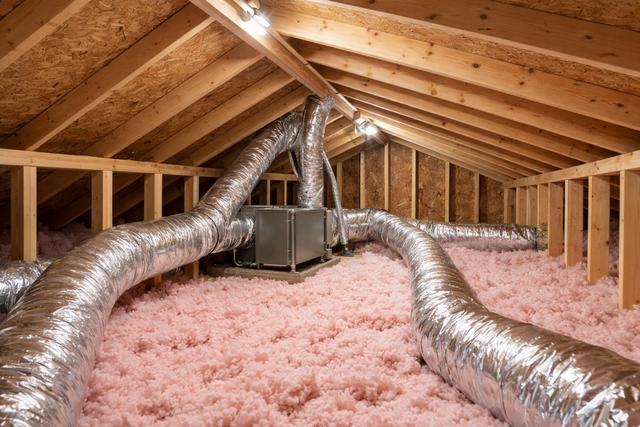
- The installer cannot go into attics and will not help run the fiber through the attic. If you would like to run the fiber through the attic, we can drop off an appropriate length of fiber. It must be run before the date of your installation.
- The fiber needs to be run from wherever the utility box has been placed on the home, through your attic, to where you plan to drop the fiber. It is best to have some excess on both sides for the installer to use to finish the install.
Utility Chase/Soffit
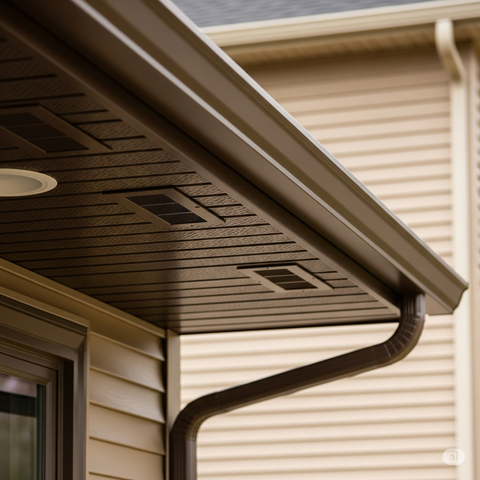
- The installer will not pull the fiber through the utility chase/soffit, unless you prepare a pull-string run through a hole at least a 1/2" before the install appointment. At the appointment, the installer can help pull it through. We can also drop off a fiber line and you can run it before the install appointment.
- The fiber needs to be run from wherever the utility box has been placed on the home to where you plan to run the fiber inside. It is best to have some excess on both sides for the installer to use to finish the install.
Conduit
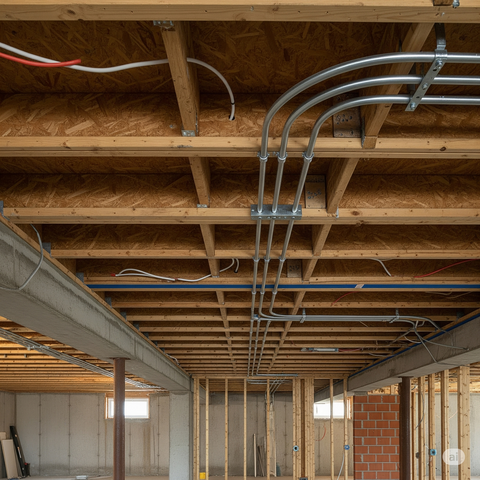
- Conduit is used to run the fiber from the vault at the street to the utility box placed on the home. We do not use conduit when attaching the wire around or inside the home.
- If you want to run the fiber a long distance through the ceiling of a finished basement into an unfinished room (ex. utility room), you may need to run your own conduit to that point.
Crawlspaces
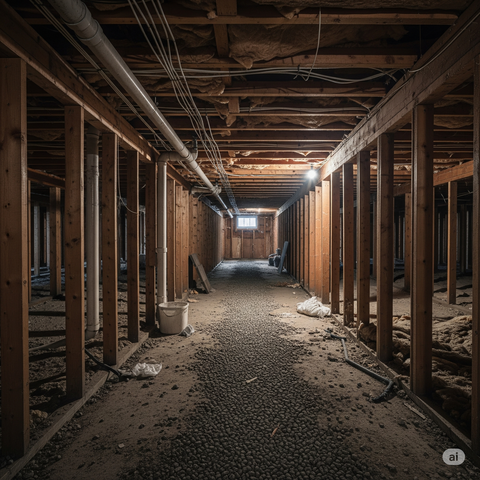
- The installer can go in crawlspaces at their discretion, provided it is not moldy or otherwise dangerous, and provided they are not required to lay down flat in order to move through it.
Drywall
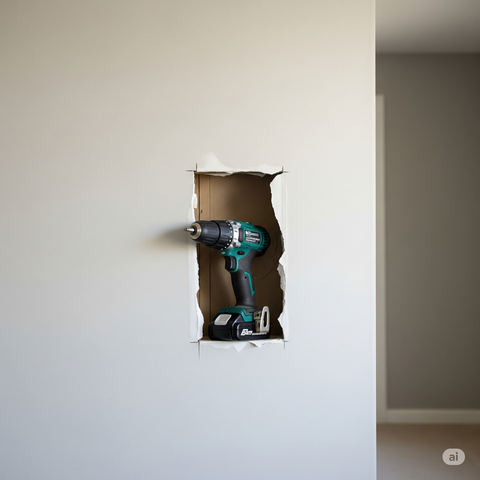
- We do not cut out and repair drywall to run the fiber. If you would like it run in a specific place, such as your finished basement, you can cut the drywall yourself. The cutout must be large enough to fit a cordless drill if the line is going to come through an exterior wall or large enough to fit a fish tape into and grab. As long as there is a clear path or a pull-string, we can help pull the fiber.
Foundation
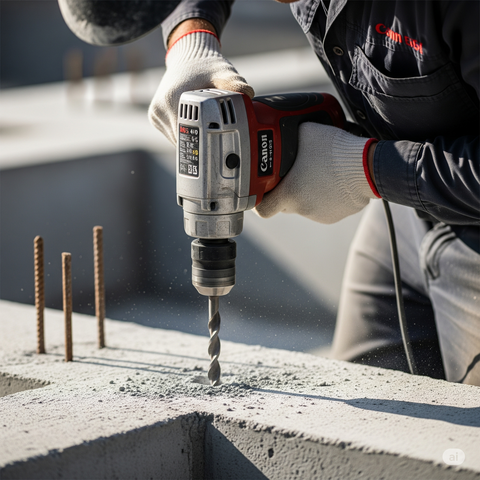
- The installer cannot drill into the foundation and cannot give you their tools to do so.
HOME INSTALLATION METHODS
There are two different installation methods. The installer will decide which is most appropriate for the install of your home:
Fiber Line Install Process
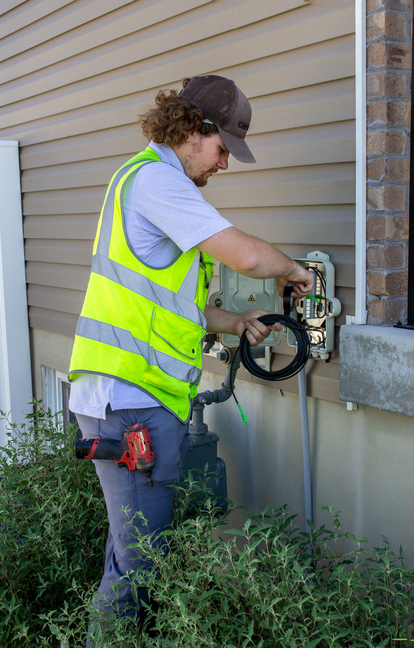
- The installer will drill a 3/8" hole through an exterior wall of the home into a room that the client would like the router to be placed, if possible. A thin, black, outdoor-rated fiber line will be run from our box that was placed on the exterior of the home, directly through the drilled hole. The fiber line will be securely attached to the side of the home, not in conduit or underground.
- The installer will mount a small ONU (Optical Network Unit) inside the home and plug it into the router. This device is necessary. It is a fiber device that converts the signal from optical fiber to ethernet and is only about the size of a light-switch faceplate or deck of cards. It must be near a power source.
CAT Cable Install Process
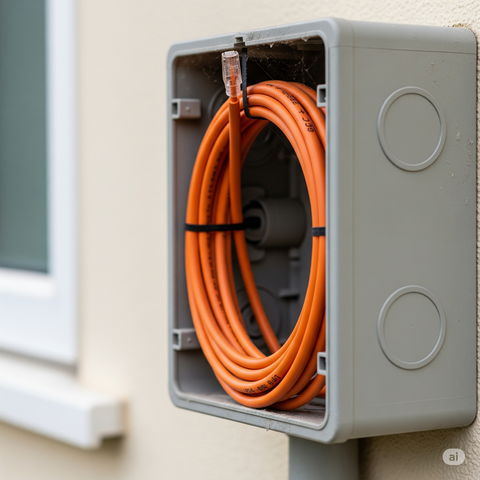
- The Installer will use the existing CAT5E/6 cables if the home is wired with them. In many homes these cables were used for phone lines. CAT5E is able to transmit 1 Gbps, which is the highest speed plan Connext offers.
- The installer will place an ONU (Optical Network Unit) inside the box placed on the exterior of the home. A run of outdoor-rated CAT cable will go from our box to the existing CAT5E/6 demarc. This is the outside main service line, often in the phone box or hanging on the side of the home. It must be CAT5E/6. If our box is not on the same side as the demarc, this method cannot be done.
- The service line will likely meet all the other CAT cables in one place in the home. The amount of cables and location is unique to every home. They usually meet in the utility / boiler room, but they may be in the attic, crawlspace, pantry, storage, or elsewhere. They may be in an enclosed wiring panel, or just hanging by the wall. If you can find where they meet before the installation, it may provide more options and save a lot of time.
- If possible, the installer will mount a PoE (Power Over Ethernet) Injector here, which must be near a power source.
Frequently Asked Questions
You must have your own router with an ethernet WAN port on the back. It must be a WAN port, which is often a different color than the other ports, not just an ethernet LAN port. If you are renting a device (modem/router combo) from your current service provider, it is not compatible.
No, we will provide an ONU (a fiber device) to replace the modem.
No, the device provided by your service provider is a modem router, which combines the two devices into one. We will provide a modem equivalent, you must buy your own router.
No, a fiber line is completely different and incompatible with coax cable. However, we can use CAT5E/6 cables, including the phone lines if they are CAT5E/6.
Yes, but only if a pull string can go through the path, then we can pull it through. It must be a straight pull with no bends or staples within the wall holding the coax cable. There must be a clear hole in the fire block between the studs, at least 3/8" or bigger if it isn't a completely straight shot. The coax cable's end connector must be cut off to fit through the hole.
If you have any other questions, check out our Frequently Asked Questions page, or call and ask at (801) 686-2468